
User Page Overview
The User Details page for athletes, parents, and staff provides contact information and specific account information for admins to view. When editing information on this page, be sure to click on the blue pencil icon in the bottom right corner.
Here are the different sections and what you will find in each:
User Details
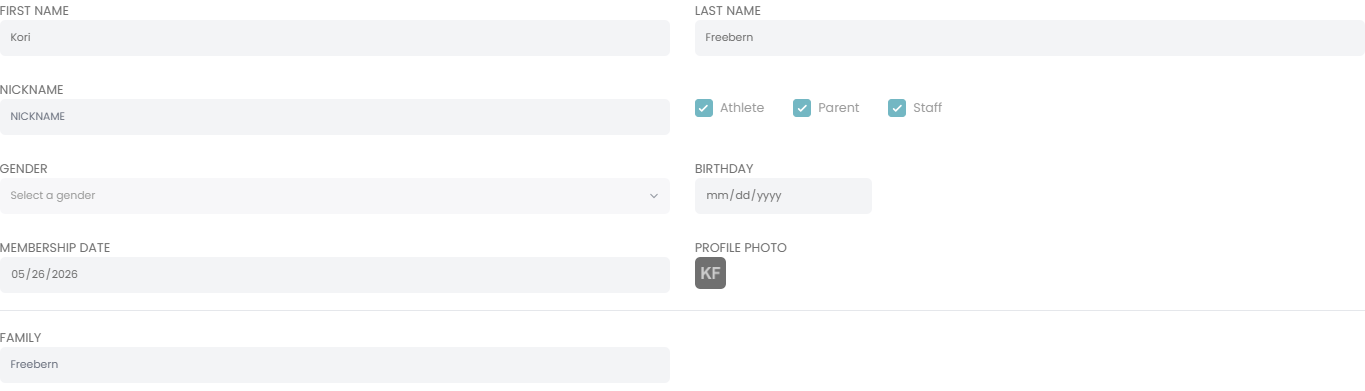
This section includes the name, gender, birthdate, and membership date of the user. This is also where admin can update the user type between Athlete, Parent, and Staff by checking the boxes next to each account type.
Contact Information
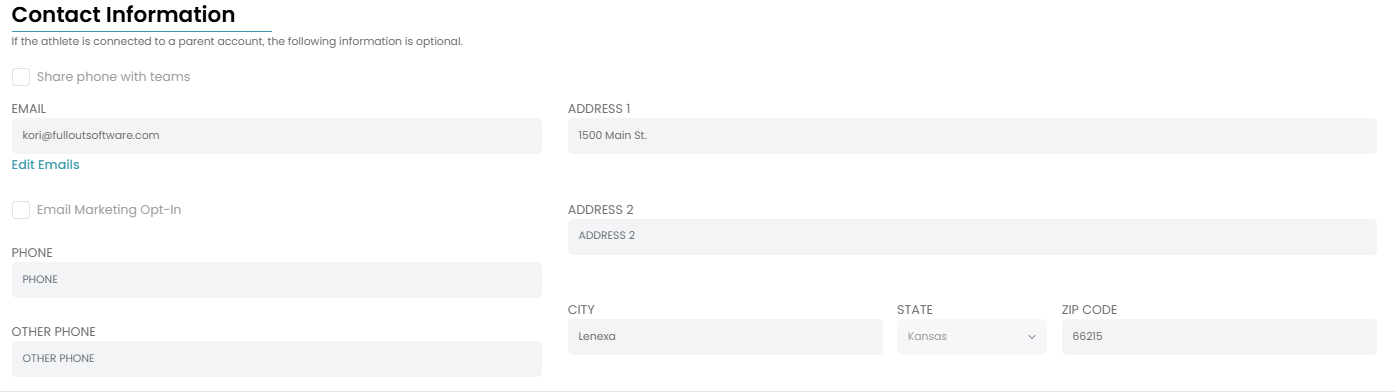
For parent or staff accounts, emails will be listed in this section as well as the user's phone number and physical address if users entered those details. Admin can also see if a user has opted in or out of email marketing.
Account Details

In this section, admin can view when an account was created and if onboarding was completed. Clicking the three dots in the top right corner of this section also gives admin the ability to Disable the user.
Athlete Custom Questions

If your gym has included custom questions in onboarding, the answers to those questions for this user will appear in this section.
Delete User

Clicking on the blue Delete button will erase this user from your gym's platform entirely.
NOTE: Deleting a user will erase the profile from your platform entirely with no ability to retrieve the account if they decide to return. This includes their registrations and invoice history. We recommend disabling the user instead, so their enrollment and payment information is retained and you still have access to their account should you need it.
Skill Tracking
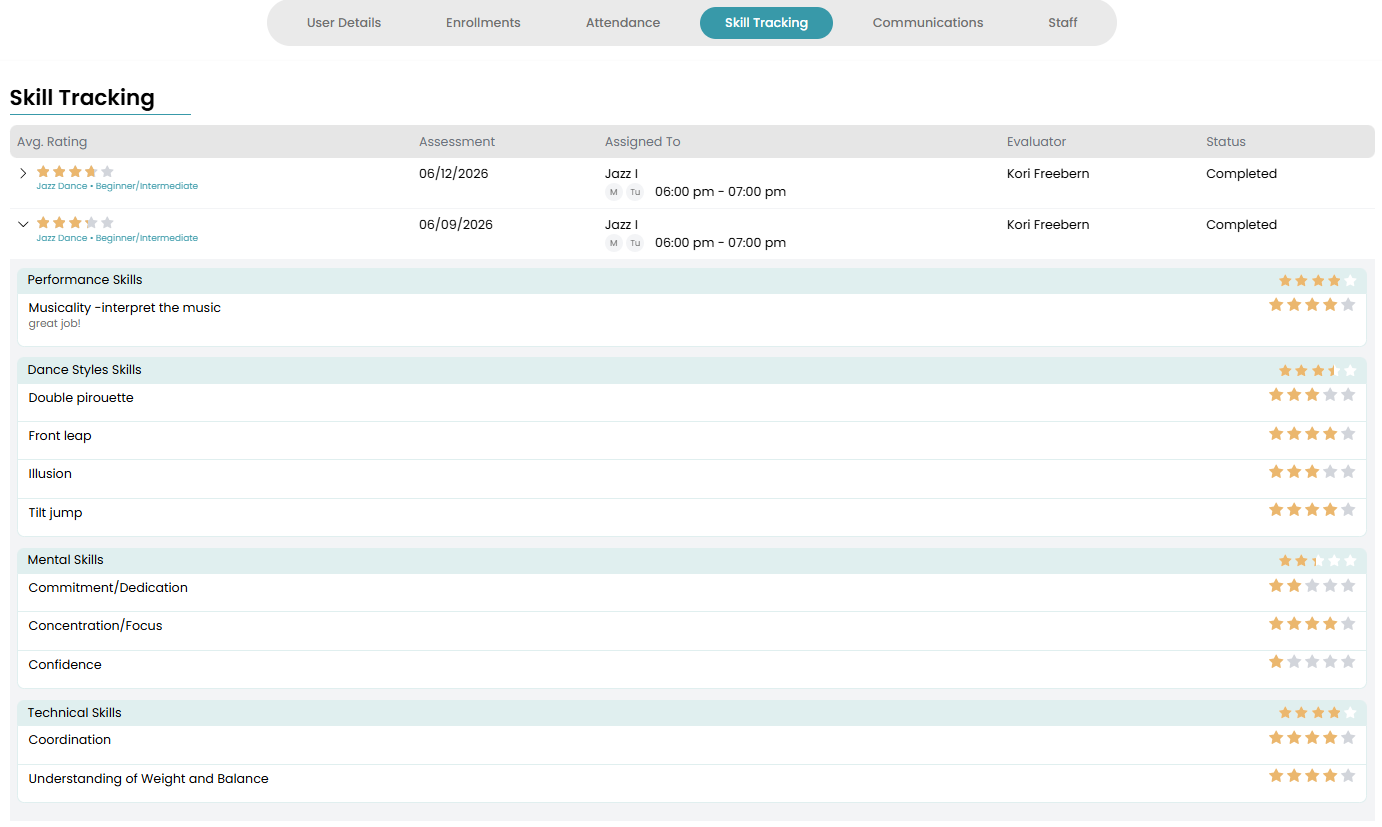
Admin also have direct access to all skill assessments completed for a user from the user page. Click on the Skill Tracking tab at the top of the page to view all skill assessments for that user including specific ratings in each skill, comments from the instructor, and any media uploaded.
Want to learn more about the Enrollment details page on the user profile? Visit this support document!