
Add Billing Categories
You can add as many billing categories as you need and assign those categories to any fees attached to rec classes, teams, camps, and events.
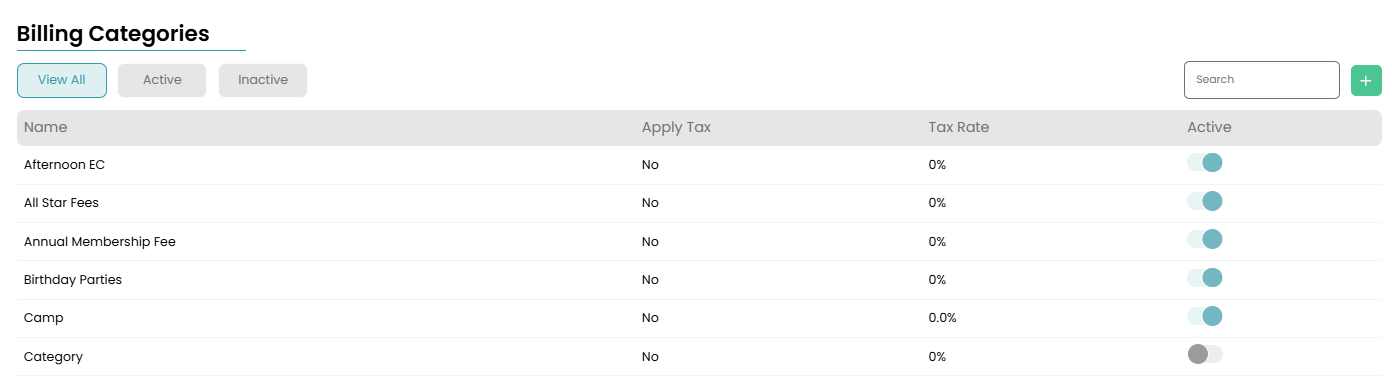
Navigate to Settings > Billing > Billing Categories to edit and add billing categories for your gym. From there you can click into any already existing billing category to update it, or add a new category by clicking the green plus button in the top right corner.
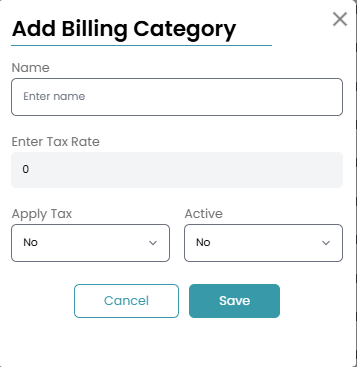
Once you've clicked the green plus button to add a new billing category, a modal will appear for you to decide on a name, if tax will be applied to fees in this category and how much, and make the fee active.
Now, you can start using this billing category for tuition or additional fees.