Admin Dashboard
The Admin Dashboard is the main page you will see once you log into the platform. This tab is broken up into two different pages: Athlete Check-In and Calendar.
Athlete Check-In
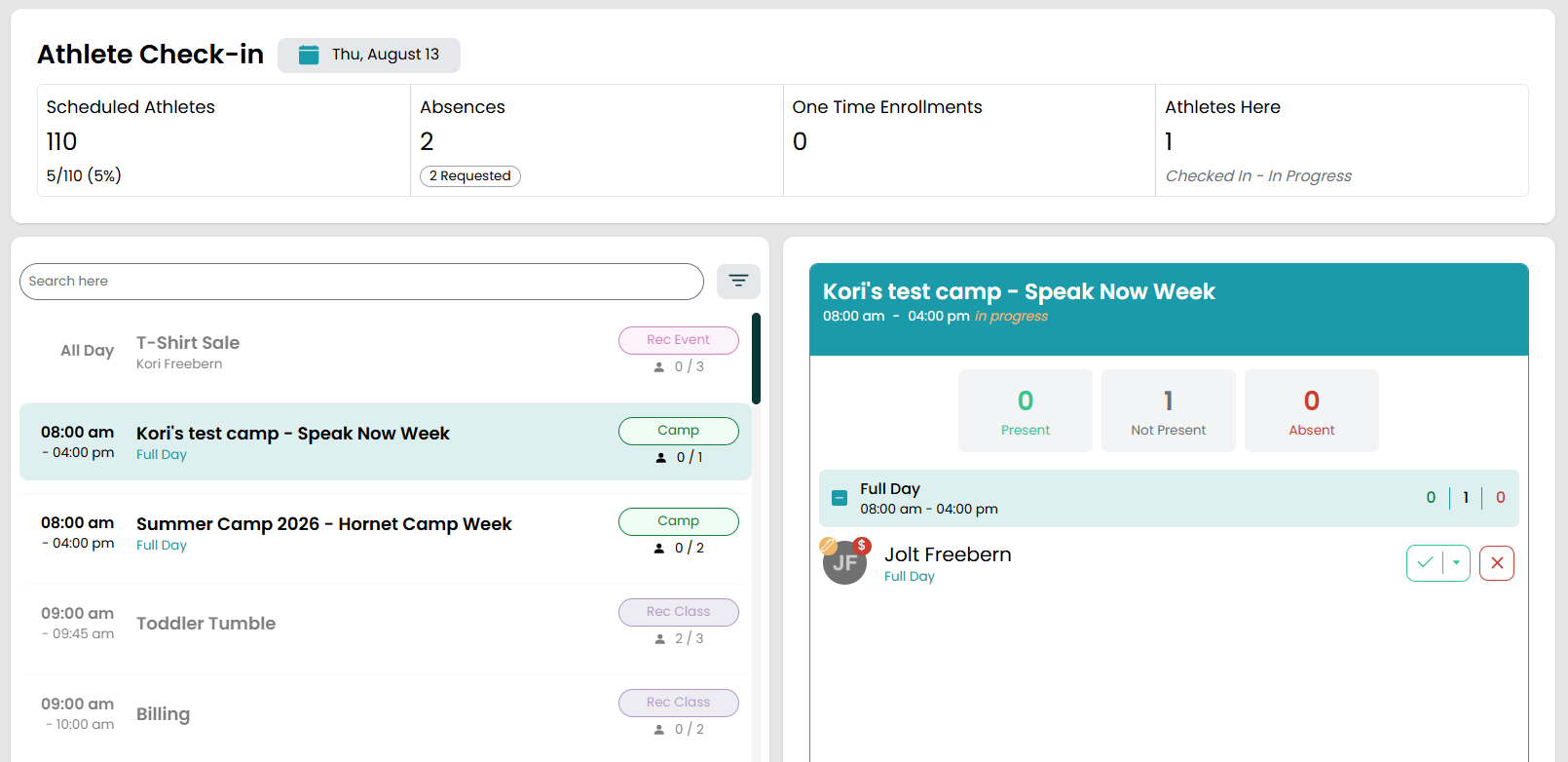
When you open Full Out it will default to the Athlete Check-In page. The top section will show how many athletes are scheduled to be in today, how many are absent, how many are present, and how many one time enrollments you have that day. You can click into any of those tiles to get a list of users.
If there is an athlete attending class for the first time at your gym, there will be a star icon that appears under the Scheduled Athletes section that will tell you how many new athletes there are that day. Clicking on that icon will take you to the list of athletes taking a class for the first time that day.
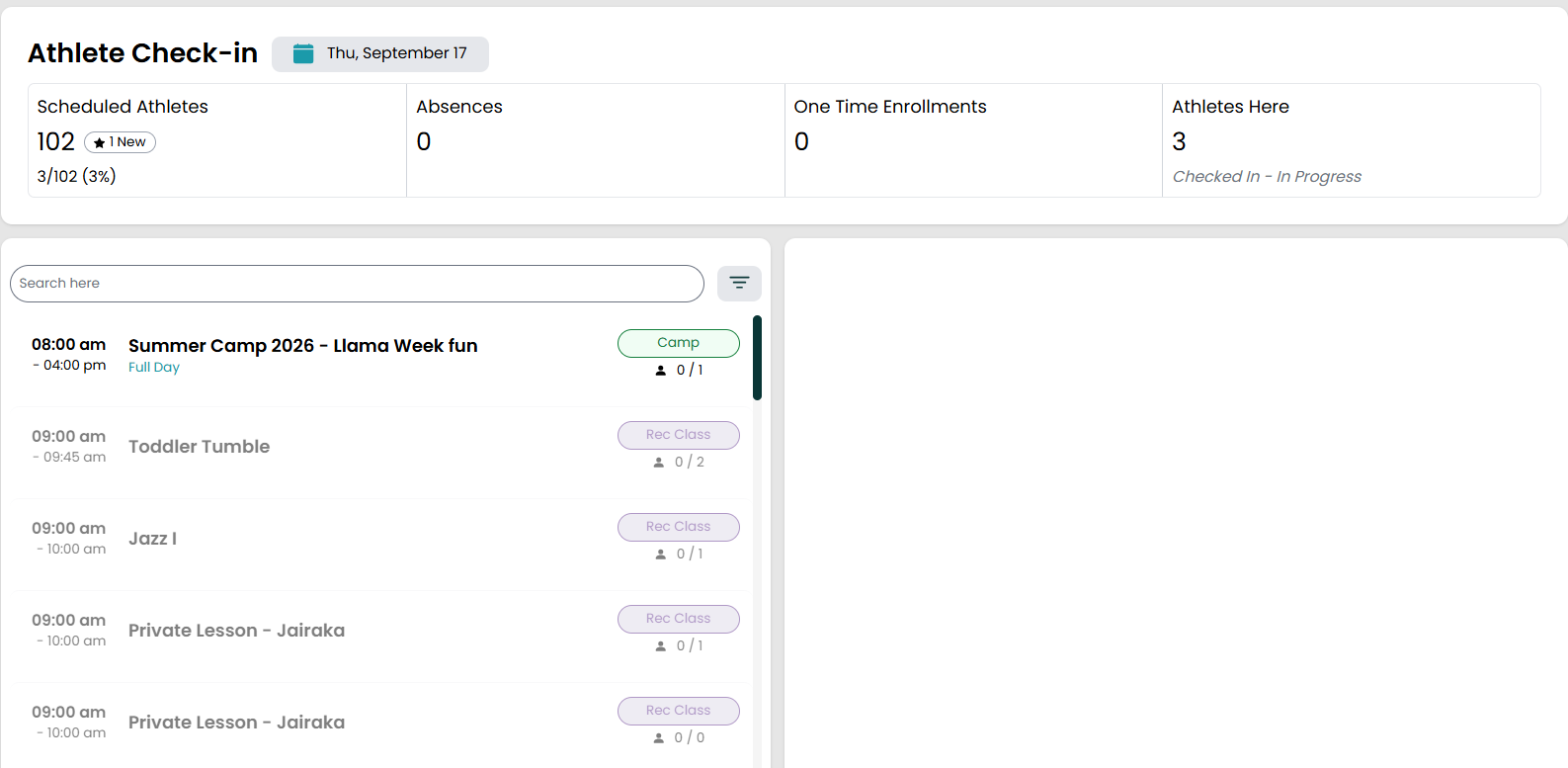
Additionally, you can see all of the classes/events happening that day as well as take roll directly from this page by clicking into the classes/events that appear.
Calendar
In addition to the main dashboard, you can also switch to calendar view by clicking the Calendar option on the left side under Athlete Check-In. The calendar will give you a weekly view of classes/events occurring at your gym for the week. You can also customize the calendar to view different locations, rooms, and weeks.
Locations
The first dropdown menu allows you to change between your different locations if you only want to see classes/events happening at a specific place.

Filters
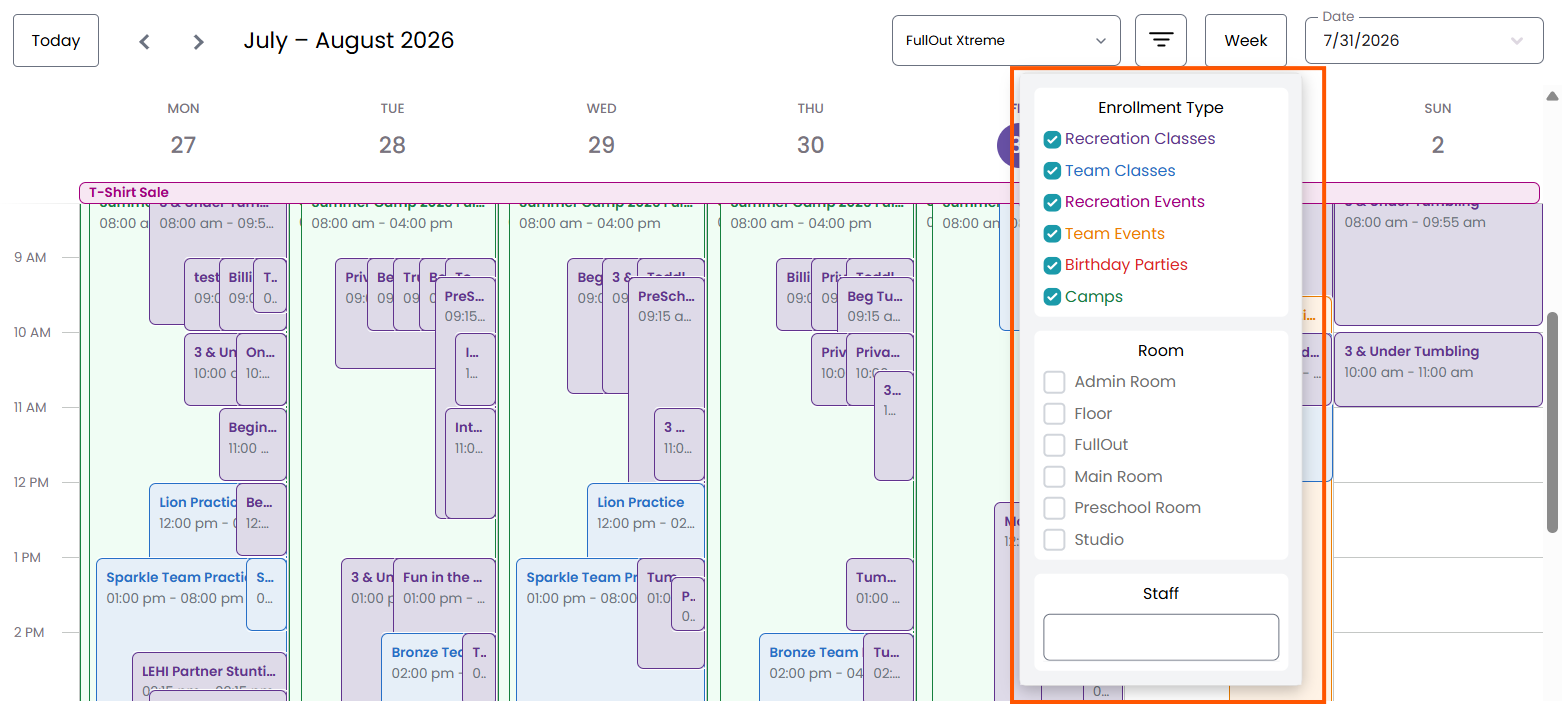
You can also filter your calendar for the different event types (rec classes, team classes, camps, events), rooms available at your gym, or staff members assigned to events.
Duration
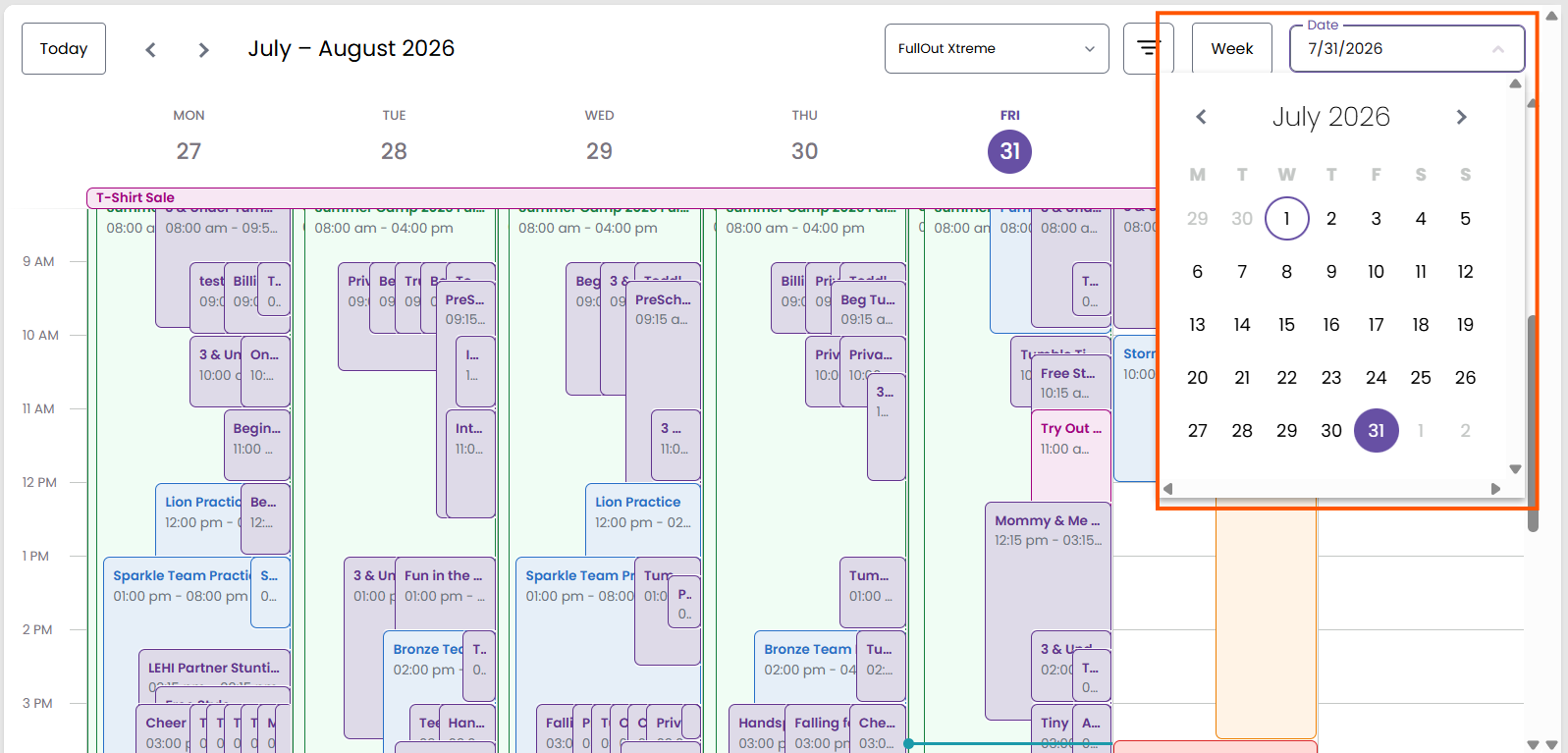
If you want to view just one day or the entire month, you can also switch your calendar view with the next dropdown option.

Date Change
You also have the option to change the date you are looking at by clicking the dropdown where the current date is and choosing the date you wish to view.