
Hide Classes from Enrollment
You can hide a class or occurrence to remove it from public view without deleting it. This is useful for archiving past classes, temporarily removing a class from registration, or keeping internal records without displaying them to customers.
If you hide from parent at the class level - all occurrences will be hidden and the setting to turn it on or off will be hidden.
Hide A Class (All Occurrences)
- Navigate to the Class you would like to Edit these settings
- Select Enrollment Requirements from the internal navigation menu
- Under Enrollment Options, toggle the HIDE FROM PARENT APP ENROLLMENT to the option you want and save.
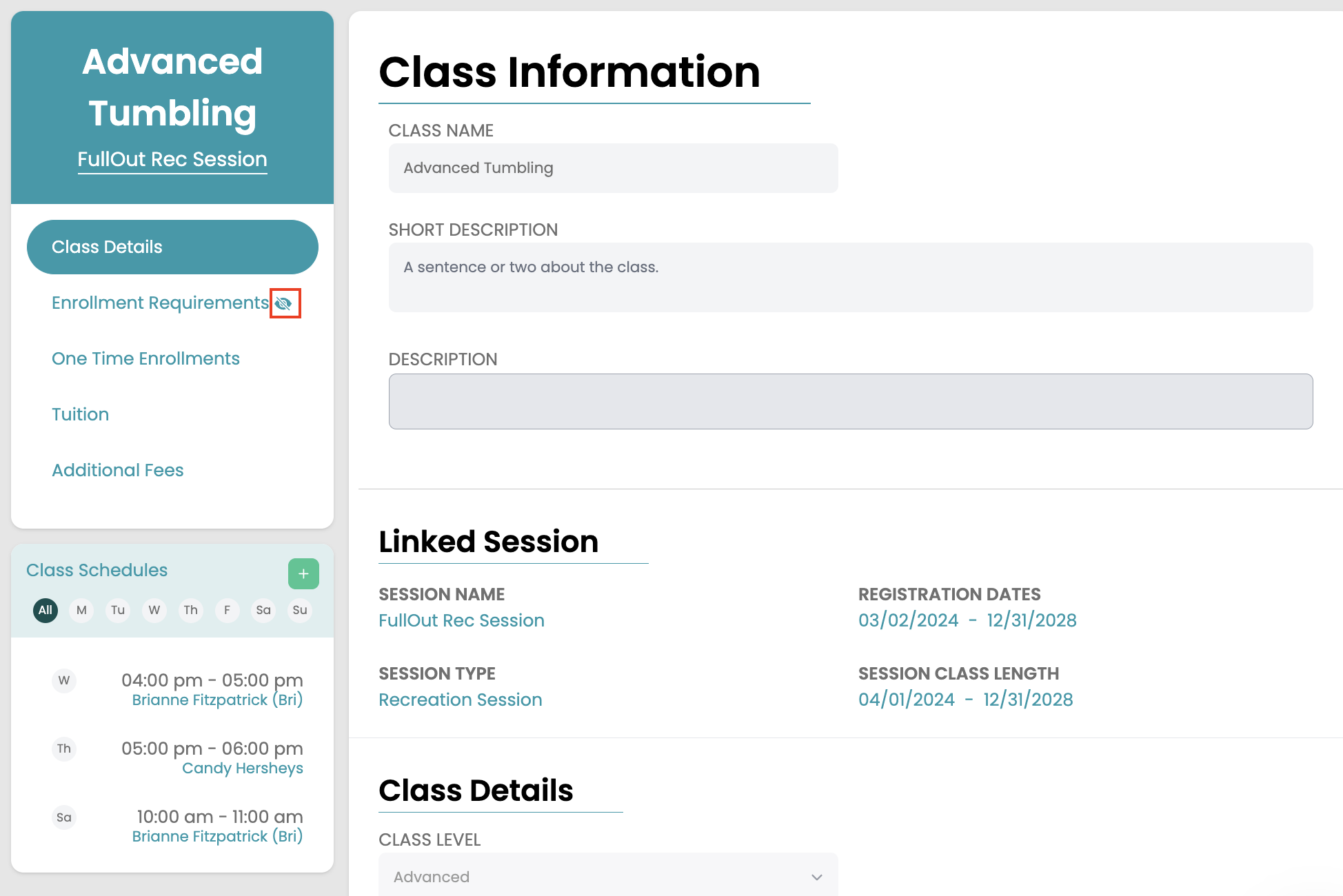
- If the class is hidden, you will see an icon appear that is an eye with a slash through it.
Hide An Occurrence
- Navigate to the Occurrence within the class that you would like to hide.
- Hover over the gray gear icon in the header of the occurrence details and select Edit Schedule
- Toggle the HIDE FROM PARENT APP ENROLLMENT to the option you want and save.
- If the class is hidden, you will see an icon appear that is an eye with a slash through it.