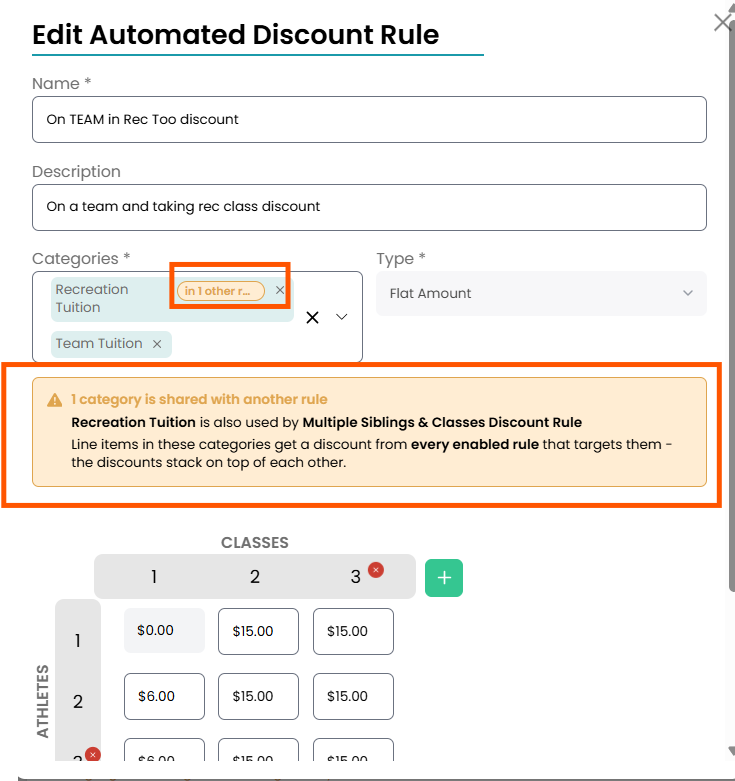
Cross Category Automated Discounts
Full Out's cross category feature for automated discounts is perfect for:
- Multi-sibling discounts for families with athletes in both rec classes and on teams
- Discounts for team members who are also taking rec classes
- Discounts that you want to apply to different billing categories such as Preschool Classes, Adult Classes, Recreation Tuition, etc...
Creating Automated Discounts With Multiple Billing Categories
When creating your new Automated Discount rule, you can select multiple billing categories by checking the corresponding boxes under the Categories section.
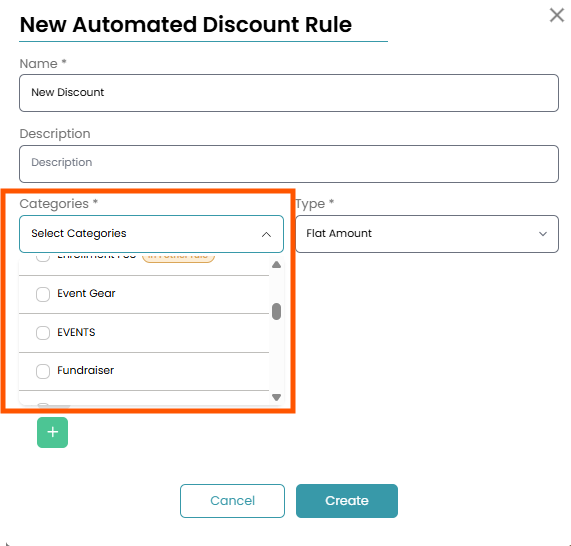
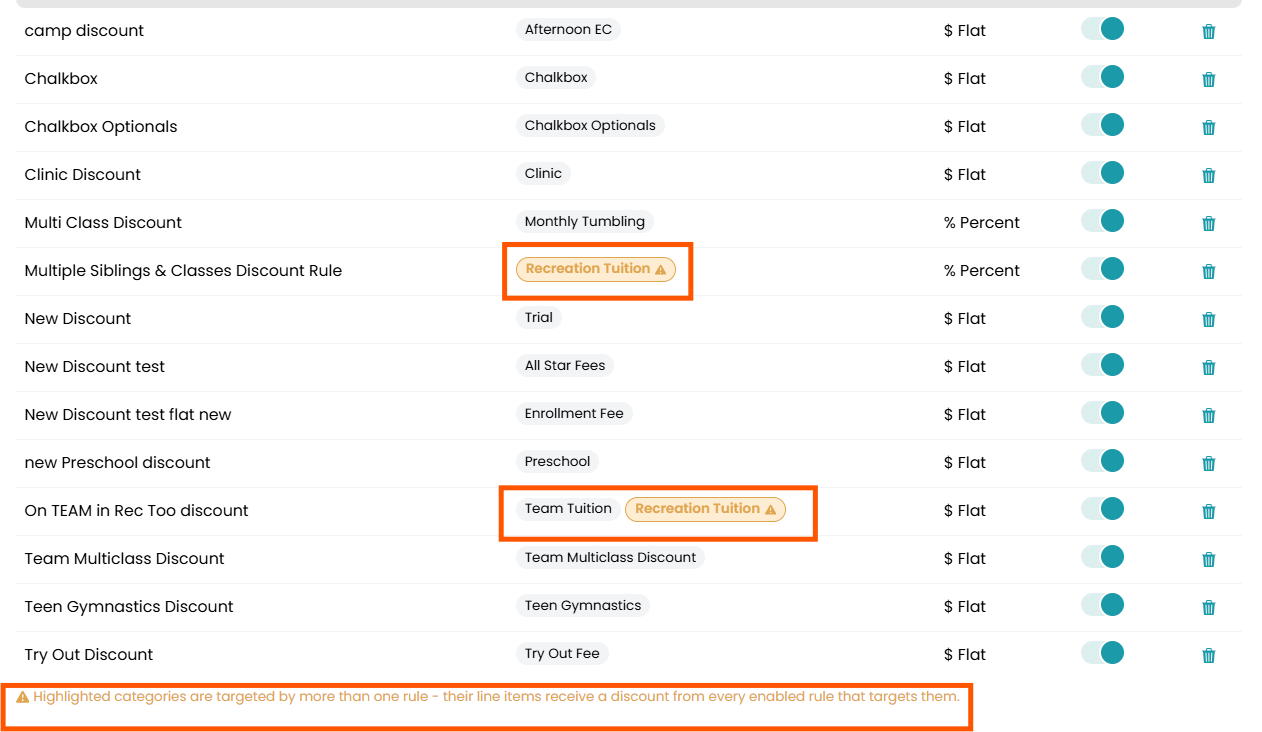
One thing to note is that each automated discount will apply to the line item that is selected. This means that if you have created multiple automated discounts for one billing category, they will all be applied to that billing category.
When this happens, there will be warning next to each automated discount rule with the same billing category selected.
This warning will also appear if you select a billing category that already has an automated discount applied to it when creating your new automated discount rule.