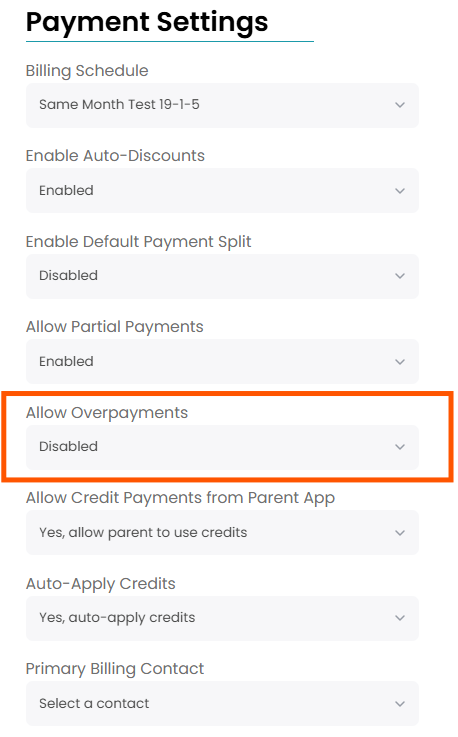
Overpayments
The Overpayments feature gives gyms the option to allow users to pay more than what is being charged on an invoice. This can be beneficial for families that want to pay for a future invoice before it is posted or pay for an entire year's tuition all at once.
Once the overpayment is made, it will appear as a credit on the family's account.
Enabling Overpayments
To enable overpayments for your gym, navigate to Settings > Invoices > Overpayments. From there you can enable overpayments for your entire gym and decide if you want new families to auto-enroll in this feature.

If you want to turn this setting on or off for a specific family, you can do so by navigating to the family's Payment Settings and choosing either Enable or Disable under Overpayments.