
Class Recommendations
Full Out's class recommendations feature allows you to recommend classes to your athletes for parents to easily see upon enrollment. This makes it simpler for you to keep track of when an athlete is ready to move up a level or needs to stay at their current level.
There are two ways to recommend a class to an athlete: from the class page and the user enrollments page.
From Class Page
If you want to make recommendations for an entire class, start by navigating to the class page. From there, select the Recommendations tab on the left side.
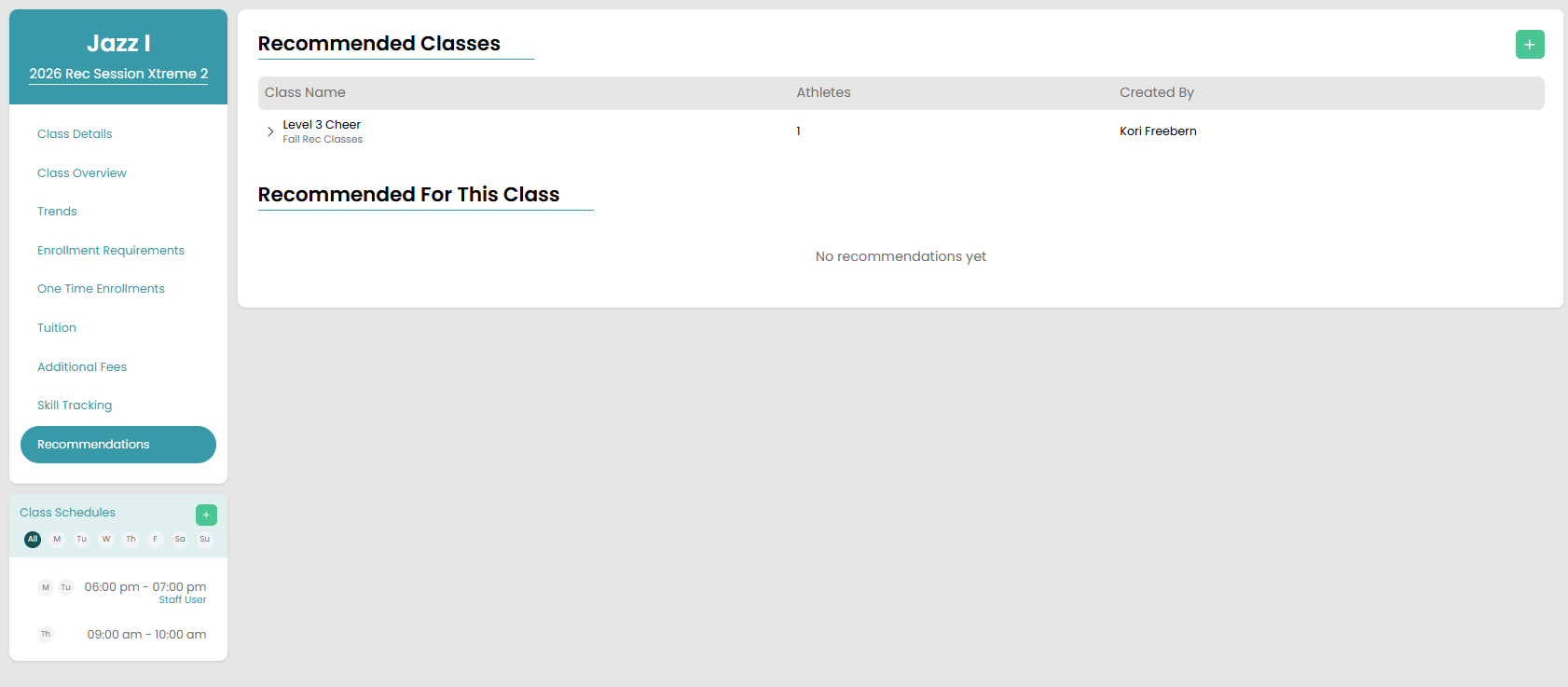
Then, click on the green plus button in the top right corner. It will take you to a modal with all of the athletes enrolled in the class listed. You can select as many students at a time as you need. Once you have the students selected, you will select the class you want to recommend from the top dropdown.
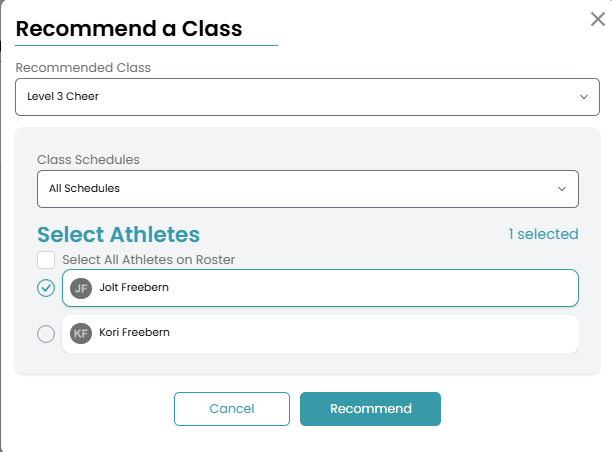
Click Recommend! The Recommendations tab will now list all of the different class recommendations you made for the students enrolled in the class. It will also have a list of students who have been recommended for that class listed at the bottom.
From User Enrollments Page
Begin by navigating to the user page of the athlete you want to recommend a class to. Once there, you will scroll to the bottom of the enrollments page until you see the Recommended Classes section. Click the green plus button and select the class you want to recommend.
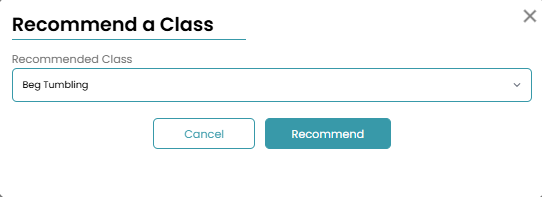
Once finalized, it will be listed on this enrollment page.
