Party Manager-Packages & Add Ons
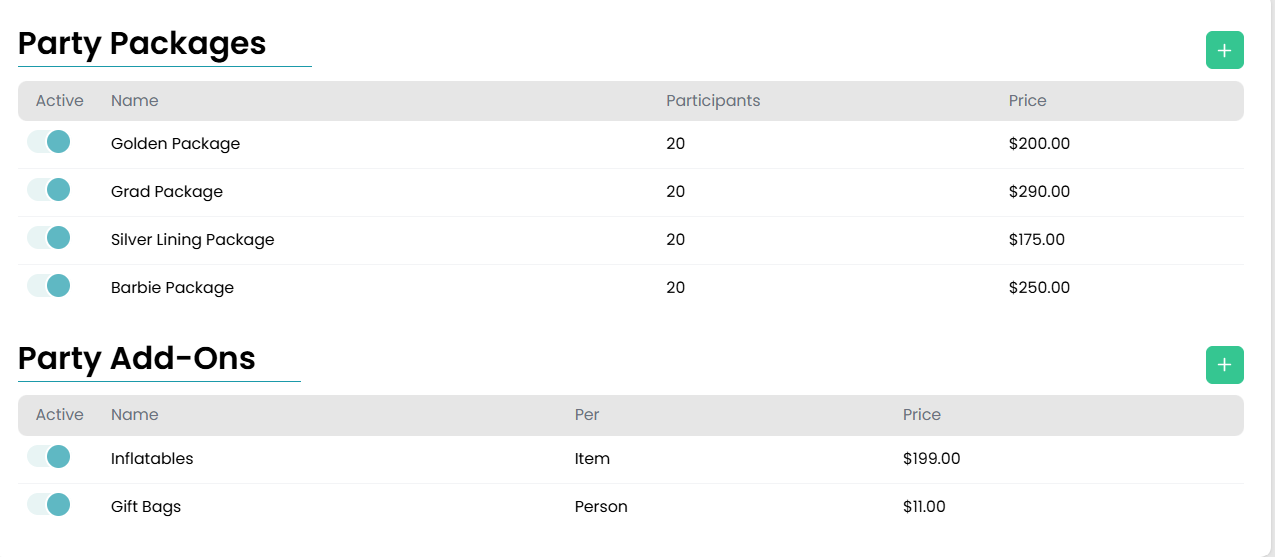
Create packages and add ons by navigating to Settings > Party Manager > Packages & Add Ons. Once all of your packages and add ons have been added, this screen will have the complete list for you to view and toggle each option between active and inactive.
Adding Party Packages
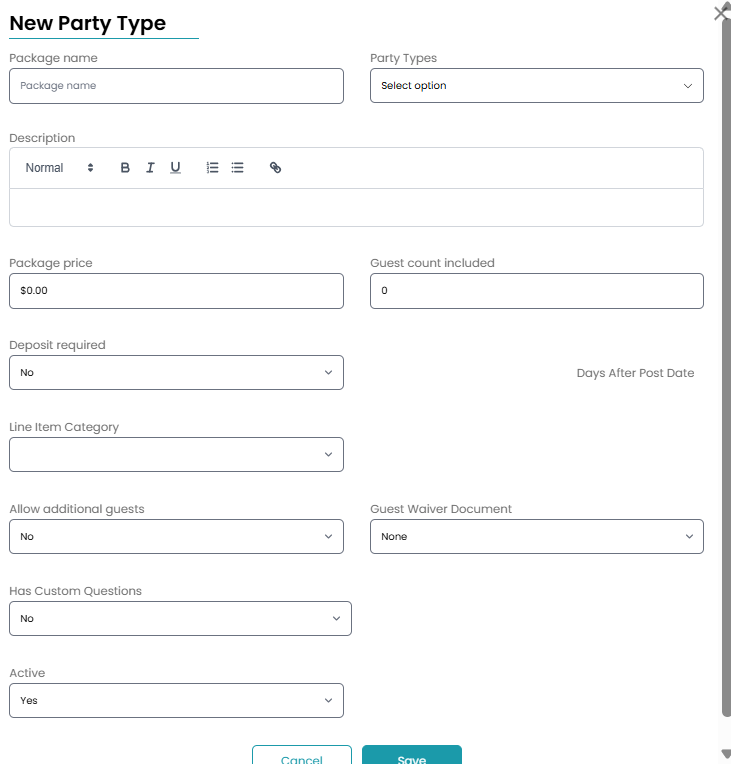
Press the green + button under the Party Packages section to add in your various party packages. A modal will pop up where you will determine the price of the package, amount of guests allowed, and if a deposit is required as well as assign a guest waiver if one applies.
Party Add Ons
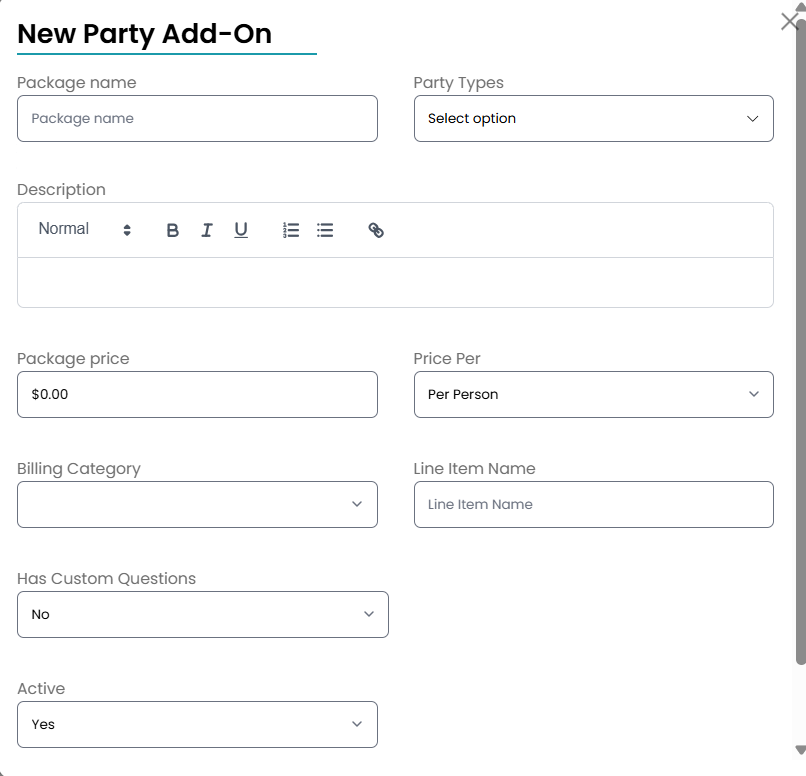
Party Add ons can be added by clicking the green + button under the Party Add Ons section. In the modal that appears, you will fill out the information for the add on including the name, price, and which party packages you are assigning the add on to. For the "Price Per" section, you will have three different options available including:
- Per Person-When you choose the Per Person option, the system will automatically calculate the total cost of the add on based on the number of guests that will be attending. This is great for things like party favors, gift bags, or shirts.
- Per Add On- This option will calculate the total cost of the add on based on how many the user adds to their party package. The Per Add On option works well for inflatables, decorations, and food items.
- Flat Rate- If you are only offering a set number of a particular add on, the flat rate option allows you to have one set price for your add ons.